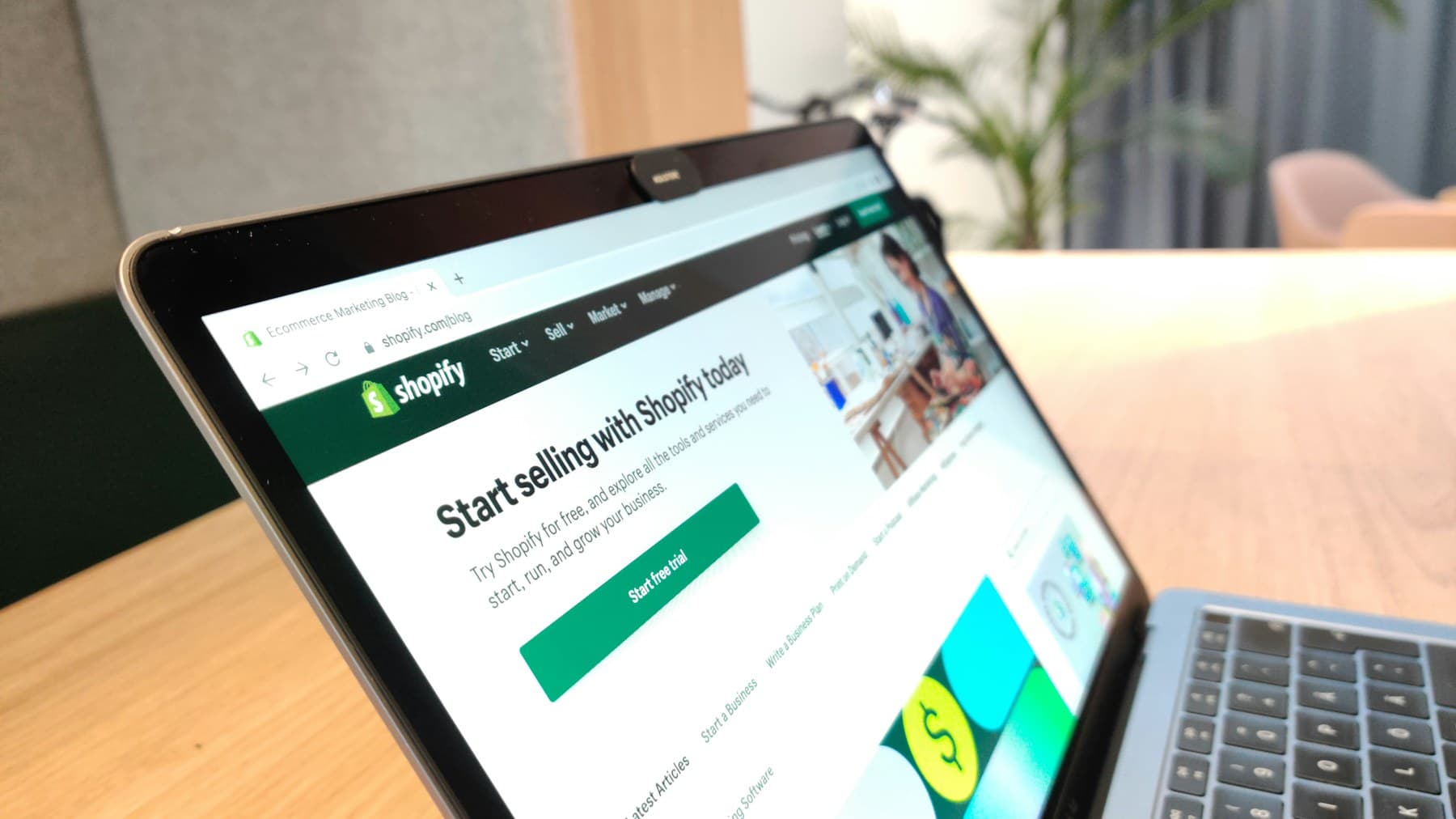
Planning an online store? Choose a platform, organise your catalogue, set up payments and delivery, and brief an agency with a checklist that covers everything before you build.
What an online store needs that a normal website does not
A business website mostly shows information. An online store has to run a small shop: list products with stock, take orders, accept payment, hand orders to a courier and email the customer at every step. Each of those jobs is a feature that has to be set up and tested, which is why a store needs more planning than a brochure site.
This guide walks through the decisions in the order you should make them, so nothing is left until launch week. It ends with a brief checklist you can hand to any agency.
- PlatformPick the system the store runs on
- CatalogueOrganise products, photos and variants
- PaymentsDecide how customers pay
- DeliveryDecide how orders reach customers
- LaunchTest, then go live
Each step shapes the next, so avoid skipping ahead to design.
Step 1: Choose your platform
The platform decides how easy the store is to manage and how far it can grow. There is no single best choice. It depends on how many products you sell, how much you want to change later and who will look after the store day to day.
| Platform | Strengths | Watch out for | Best for |
|---|---|---|---|
| Shopify | Hosted, reliable, quick to launch, easy for your team to manage | Some features need paid apps; less control over the back end | Brands that want a dependable store they can run themselves |
| WooCommerce (WordPress) | Full control, flexible, works well with a content site | You manage hosting, updates and security | Businesses that already use WordPress or want deep customisation |
| Custom build | Built exactly around your process | Longest to build and needs ongoing developer support | Unusual checkout logic, marketplaces, heavy integrations |
A quick comparison. The right choice depends on your products and your team.
Step 2: Organise your catalogue
Every product needs a title, photos, a description, stock and any variants. Variants multiply the work. A clothing store with ten sizes and five colours per item has far more to set up than a store selling twenty fixed products, so count them before you talk to anyone.
- List every product in a spreadsheet: name, category, stock, variants and any special notes.
- Decide who writes the descriptions and who takes the photos, and by when.
- Group products into clear categories a first-time visitor would understand.
- Use consistent photo backgrounds and sizes so the store looks like one brand.
- Start with your best sellers if the full range is not ready. You can add the rest after launch.
Write descriptions for buyers, not search engines
A good product description answers the questions a shopper would ask in person: what it is made of, the size, how to use or care for it, and what makes it different. Clear titles and descriptions also help the product show up in search, which is why they belong in the plan and not at the end.
Step 3: Decide how customers pay
Payment options shape the checkout and the way orders arrive. Many shoppers still like paying on delivery, while others expect cards and wallets at checkout. Decide which you will offer before design starts.
| Payment method | How it works | What to plan for |
|---|---|---|
| Cash on delivery | Customer pays the courier when the order arrives | Orders must flow into the same order list as paid orders, and returns need a clear process |
| Cards and wallets | Customer pays online through a payment gateway | The gateway approves your business separately from the build, so apply early |
| Bank transfer | Customer pays directly and sends proof | Needs a manual check before dispatch |
Offer the methods your customers already use.
Step 4: Plan delivery and couriers
Booking every order by hand with your courier works at ten orders a week, not at a hundred. Courier integration lets the store create the booking, print the label and send the tracking number to the customer automatically.
- Choose which courier or couriers you will use, and ask which ones the agency has integrated before.
- Decide how delivery areas and shipping rules will work.
- Write down your returns and exchange policy, because it belongs on the site.
- Plan the emails customers receive: order confirmation, dispatch and delivery.
Step 5: Plan for life after launch
A store is never finished at launch. It needs regular attention, and the stores that grow are the ones that plan for it.
- Maintenance: platform updates, backups and security fixes.
- New products, photos and descriptions as the catalogue grows.
- Order handling: who checks new orders and answers customer questions each day.
- Marketing to bring visitors, because a store with no traffic makes no sales.
- Reviewing what sells and what does not, so the homepage and categories keep improving.
How to brief an agency
- Write a one-page briefWhat you sell, roughly how many products, which payments and couriers you plan to use, and two or three stores you like.
- Send the same brief to every agencyProposals are only comparable when they respond to the same scope.
- Ask what each part includesDesign, development, product upload, payments, courier setup, training and support, listed separately.
- Check what happens after launchWho fixes problems, how fast, and how changes are handled.
- Look at live stores they builtOpen them on your phone, add something to the cart and see how fast it feels.
Online store brief checklist
0 / 12Tick each item your brief or the agency's proposal clearly covers. Anything unticked is a question to ask.
How to do this
Ask which gateway and who applies for the merchant account.
How to do this
Ask whether booking and tracking are automatic.
How to do this
Product titles, descriptions, sitemap, clean URLs and product structured data.
Early stage. Start with the first open item and work down.
Want us to review your store plan against this list?
Talk to our teamYour ticks are saved in this browser only. Nothing is sent anywhere.
Common mistakes to avoid
- Choosing a platform before counting products and variants.
- Leaving photos and descriptions until the site is built.
- Applying for a payment gateway at the last minute.
- Adding many apps or plugins, which can slow the store down.
- Launching without testing checkout on a real phone.
- Having the store or domain registered in the agency's name instead of yours.
Need help turning this plan into a store? See our website development service, or read Shopify vs WordPress vs custom to choose a platform first.
Frequently asked questions
What do I need before I start building an online store?
A product list with variants, photos and descriptions, a decision on how customers will pay, a delivery plan, and a one-page brief for your agency.
Is Shopify or WooCommerce better?
Shopify is quicker to launch and easier to manage. WooCommerce gives more control but needs more maintenance. The right choice depends on your products and who will manage the store.
Can my online store accept cash on delivery?
Yes. Most stores offer cash on delivery alongside online payment. Make sure it is set up so those orders appear in the same order list.
Do I need a payment gateway?
Only if you want to take card or wallet payments online. The gateway approves your business separately, so start that application early.
How long does it take to build an online store?
A store on a theme with a small catalogue can launch in a few weeks. Custom designs, large catalogues and integrations take longer.
What needs doing after the store launches?
Updates, backups, security, new products, order handling and marketing. Agree who does each of these before launch.
Will my store show up on Google?
Only if it is set up for search: clear product titles and descriptions, fast pages, a sitemap and product structured data. Ask whether SEO basics are included.
Who should own the store and domain?
You should. The store, domain, payment and courier accounts should be registered in your business name.
Need help with website development?
Fast, SEO-ready websites built to generate leads and sales. Web design and development for businesses in Karachi, Pakistan and Doha, Qatar.

Novtex Global is a branding, web development and performance marketing agency with offices in Karachi and Doha. Read more about us.